Email Deliverability Checklist for SaaS Startups
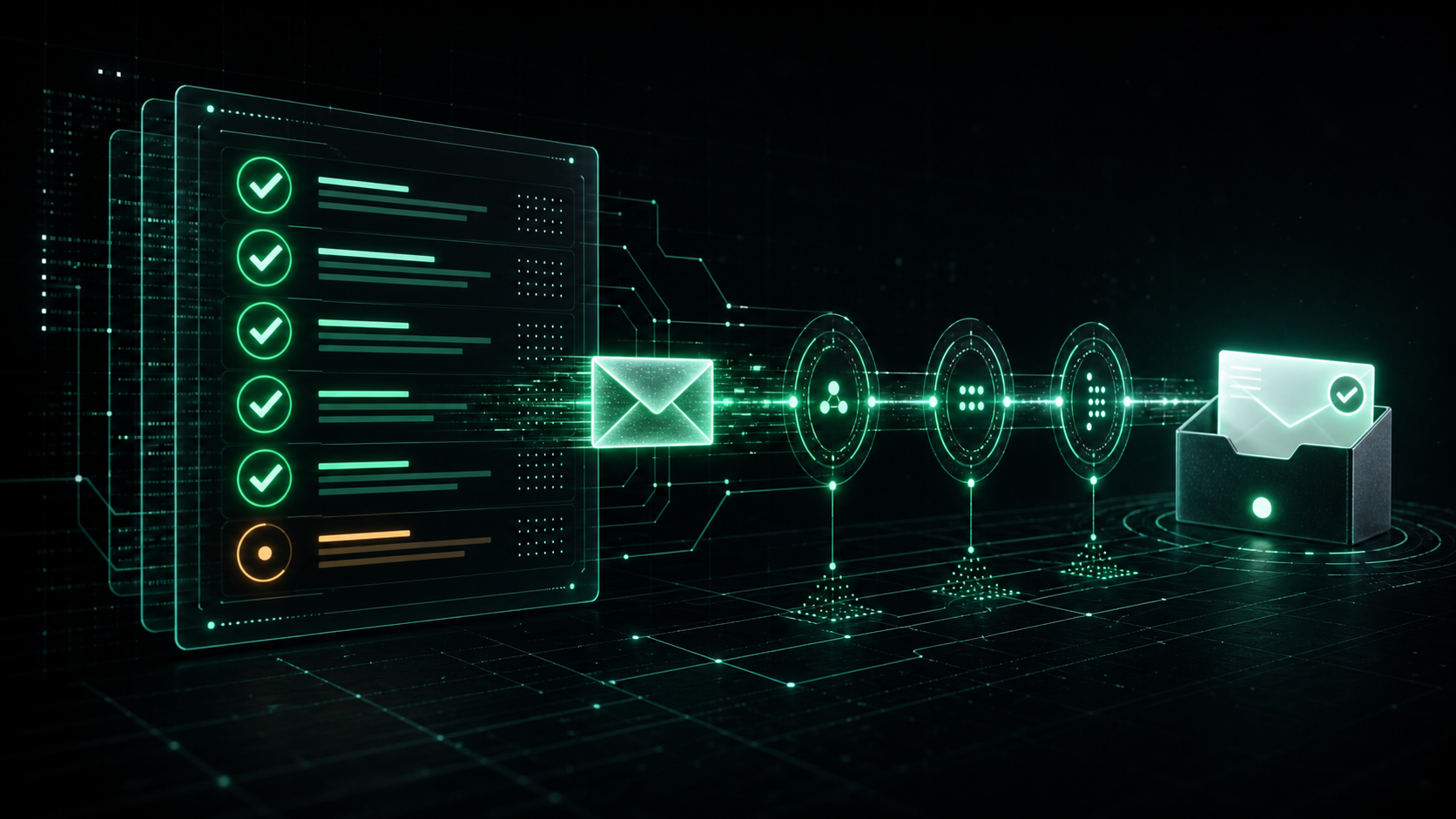
If your password resets, receipts, and verification links don't reach the inbox, your product doesn't work — full stop. This email deliverability checklist gives SaaS startups a concrete, prioritized path to get transactional messages into the inbox reliably, from DNS authentication to ongoing reputation monitoring. Use it as a one-time setup guide and as a recurring audit, because deliverability is never "done."
Deliverability is the percentage of sent emails that actually land in the recipient's inbox (not spam, not blocked, not silently dropped). For a SaaS company, a 2% drop in inbox placement on signup verification emails translates directly into failed activations and lost revenue. The good news: most deliverability problems are predictable, and almost all are fixable with the steps below.
This guide is written for founders, software engineers, and CTOs who need to improve email delivery without becoming full-time deliverability specialists. Each section is actionable, includes examples or code where useful, and ends with the mistakes that quietly tank inbox placement.
What "Deliverability" Actually Means
Before the checklist, align on terminology, because vendors blur these on purpose.
- Delivery rate — the email was accepted by the receiving mail server. It does not mean the inbox.
- Inbox placement rate — the email landed in the primary inbox (or at least a visible folder), not spam. This is the number that matters.
- Bounce rate — the receiving server rejected the message. Split into hard (permanent, e.g. address doesn't exist) and soft (temporary, e.g. mailbox full).
- Complaint rate — recipients marked you as spam. Gmail and Yahoo expect this under 0.3%, ideally under 0.1%.
A provider showing a "99% delivery rate" can still have terrible inbox placement. Optimize for inbox placement and complaint rate, not the vanity delivery number.
The Email Deliverability Checklist (Quick Reference)
Here's the full checklist at a glance. The rest of the article explains each item in depth.
| # | Checklist item | Priority | Frequency |
|---|---|---|---|
| 1 | Use a dedicated sending domain/subdomain | Critical | Once |
| 2 | Configure SPF | Critical | Once |
| 3 | Configure DKIM | Critical | Once |
| 4 | Configure DMARC | Critical | Once |
| 5 | Set up reverse DNS (PTR) / let your ESP handle it | High | Once |
| 6 | Separate transactional and marketing streams | High | Once |
| 7 | Warm up your domain/IP gradually | High | First 4–8 weeks |
| 8 | Keep complaint rate under 0.3% | Critical | Ongoing |
| 9 | Keep bounce rate under 2–3% | Critical | Ongoing |
| 10 | Implement list hygiene & suppression | High | Ongoing |
| 11 | Add one-click unsubscribe (bulk senders) | High | Once |
| 12 | Monitor deliverability & reputation | Critical | Ongoing |
| 13 | Authenticate links & avoid spammy content | Medium | Ongoing |
| 14 | Set up DMARC reporting and review it | Medium | Monthly |
Featured-snippet summary: To improve email deliverability, a SaaS startup should (1) send from a dedicated domain, (2) configure SPF, DKIM, and DMARC, (3) separate transactional from marketing email, (4) warm up sending volume, (5) keep complaint and bounce rates low, and (6) continuously monitor reputation.
1. Authentication: SPF, DKIM, and DMARC
Authentication is the single highest-leverage thing on this email deliverability checklist. Since February 2024, Gmail and Yahoo require SPF, DKIM, and DMARC for senders, and bulk senders must pass all three or get throttled and junked (Google sender guidelines, Yahoo sender best practices).
SPF (Sender Policy Framework)
SPF is a DNS TXT record listing which servers are allowed to send mail for your domain. The receiving server checks the envelope sender's domain against this record.
; Example SPF record for the domain mail.yoursaas.com
mail.yoursaas.com. IN TXT "v=spf1 include:_spf.postwing.app -all"
Rules to get SPF right:
- You can have only one SPF record per domain. Merge multiple
include:statements into one record. - SPF allows a maximum of 10 DNS lookups. Exceeding it causes a
permerrorand SPF failure. - End with
-all(hard fail) once you're confident, or~all(soft fail) while testing.
DKIM (DomainKeys Identified Mail)
DKIM cryptographically signs each message. The receiver fetches your public key from DNS and verifies the signature, proving the message wasn't altered and really came from your domain.
; DKIM public key published as a TXT record at <selector>._domainkey.yourdomain
pw1._domainkey.mail.yoursaas.com. IN TXT "v=DKIM1; k=rsa; p=MIGfMA0GCSqGSIb3DQ..."
Most email providers (including Postwing) generate the key pair and give you the exact DNS record to paste. Use a 2048-bit key where supported, and rotate keys periodically.
DMARC (Domain-based Message Authentication, Reporting & Conformance)
DMARC tells receivers what to do when SPF/DKIM fail, and sends you reports. It requires alignment — the domain in the From: header must match the SPF/DKIM domain.
; Start in monitoring mode, then tighten
_dmarc.yoursaas.com. IN TXT "v=DMARC1; p=none; rua=mailto:dmarc@yoursaas.com; fo=1; adkim=s; aspf=s"
Roll out DMARC in stages:
| Stage | Policy | What it does |
|---|---|---|
| 1. Monitor | p=none |
Collect reports, fix gaps, break nothing |
| 2. Quarantine | p=quarantine |
Suspicious mail goes to spam |
| 3. Enforce | p=reject |
Spoofed mail is rejected outright |
Stay at p=none for 2–4 weeks, review the aggregate reports, confirm all legitimate sources align, then move to quarantine and finally reject. Skipping straight to reject can blackhole your own legitimate mail.
2. Use a Dedicated Sending Domain
Never send transactional email from your bare root domain (yoursaas.com) using a generic mailbox. Instead, send from a subdomain dedicated to mail, e.g. mail.yoursaas.com or notify.yoursaas.com.
Why subdomains matter:
- Reputation isolation. If your marketing blast tanks reputation, your password resets on a separate subdomain stay unaffected.
- Cleaner DNS. SPF/DKIM/DMARC records live on the subdomain without colliding with corporate email (Google Workspace, etc.).
- Easier debugging. You can see exactly which stream is misbehaving.
A common, battle-tested structure:
| Subdomain | Purpose |
|---|---|
mail.yoursaas.com or txn.yoursaas.com |
Transactional (resets, receipts, verifications) |
news.yoursaas.com or mktg.yoursaas.com |
Marketing / newsletters |
yoursaas.com (root) |
Human-to-human business email only |
3. Separate Transactional and Marketing Streams
This is one of the most overlooked items when SaaS teams try to improve email delivery. Transactional and marketing email have completely different engagement profiles and risk:
- Transactional (password resets, receipts, 2FA codes) — high open rates, expected, low complaints. You want these flying through with maximum reputation.
- Marketing (newsletters, promos) — lower engagement, higher complaint risk.
Mixing them on the same domain and IP lets your promo complaint rate drag down your password-reset inbox placement. Separate the streams at the domain/subdomain level (and ideally at the IP level once you have volume). Most modern providers let you tag and route streams separately.
4. Warm Up Your Domain and IP
A brand-new domain or IP has no reputation. Blasting 100,000 emails on day one looks exactly like a spammer and gets you throttled or blocked. Warm-up means ramping volume gradually so mailbox providers learn you're legitimate.
A reasonable warm-up curve for a new sending domain:
| Day | Approx. daily volume |
|---|---|
| 1–2 | 50–100 |
| 3–5 | 500 |
| 6–10 | 2,000 |
| 11–15 | 10,000 |
| 16–25 | 50,000 |
| 26+ | Full volume |
During warm-up:
- Send to your most engaged recipients first (real, active users).
- Prioritize transactional mail — it has the best engagement signals.
- Watch bounce and complaint rates daily; pause the ramp if either spikes.
If you use a shared-IP provider (Postwing's default), the IP pool is already warmed, so you mainly need to warm the domain reputation, which is faster. Dedicated IPs require full warm-up and only make sense above roughly 100k+ emails/month.
5. List Hygiene and Bounce Handling
Sending to dead addresses is one of the fastest ways to wreck reputation. Mailbox providers treat high bounce rates as a spam signal.
Your hygiene checklist:
- Validate email at signup — syntax check, MX record check, and reject obvious typos/disposable domains.
- Process bounces automatically — remove hard-bounced addresses immediately; never retry them.
- Suppress complainers — anyone who hits "spam" should be permanently suppressed.
- Re-engage or remove inactives — for marketing streams, prune addresses with no opens/clicks in 90–180 days.
Handle bounces and complaints with webhooks. Here's a minimal handler in Node.js:
// POST endpoint that receives delivery-event webhooks
app.post("/webhooks/email", express.json(), async (req, res) => {
  const event = req.body;

  switch (event.type) {
    case "bounce":
      if (event.bounce_type === "hard") {
        await db.suppressEmail(event.recipient, "hard_bounce");
      }
      break;
    case "complaint":
      await db.suppressEmail(event.recipient, "complaint");
      break;
    case "delivered":
      await db.markDelivered(event.message_id);
      break;
  }

  res.sendStatus(200);
});
Before sending, always check the suppression list:
def send_transactional(recipient, template, data):
    if suppression.is_suppressed(recipient):
        log.info("Skipping suppressed address: %s", recipient)
        return
    api.send(to=recipient, template=template, data=data)
Target thresholds: bounce rate < 2–3%, complaint rate < 0.1% (hard cap 0.3% per Gmail/Yahoo).
6. One-Click Unsubscribe and Content Hygiene
For any bulk or marketing mail, Gmail and Yahoo now require one-click unsubscribe (RFC 8058) via the List-Unsubscribe and List-Unsubscribe-Post headers:
List-Unsubscribe: <https://yoursaas.com/u/abc123>, <mailto:unsub@yoursaas.com>
List-Unsubscribe-Post: List-Unsubscribe=One-Click
Pure transactional mail (a password reset) doesn't legally need an unsubscribe link, but anything resembling marketing does. When in doubt, include it.
Content hygiene that affects placement:
- Balance text and images. Image-only emails with little text look spammy.
- Use a real, monitored
From:address — avoidnoreply@when you can; reply-ability is a positive signal. - Keep links clean. Don't wrap everything in shorteners or mismatched redirect domains.
- Avoid spam-trigger formatting — ALL CAPS subjects, "FREE!!!", excessive exclamation points.
- Authenticate your link domains too (BIMI and consistent click-tracking domains help).
7. Monitor Deliverability and Reputation
You can't improve what you don't measure. Continuous monitoring is what separates teams that maintain inbox placement from teams that discover a problem only when support tickets pile up.
Set up monitoring across these layers:
| Tool / signal | What it tells you |
|---|---|
| Provider dashboard (delivered/bounced/complained) | Real-time stream health |
| Google Postmaster Tools | Gmail domain & IP reputation, spam rate |
DMARC aggregate reports (rua) |
Who's sending as you, alignment failures |
| Seed/inbox-placement tests | Actual inbox vs spam placement across providers |
| Blocklist checks (Spamhaus, etc.) | Whether your domain/IP got listed |
Operational rules:
- Alert when complaint rate crosses 0.2% (before Gmail's 0.3% red line).
- Alert on bounce-rate spikes — usually a bad import or a broken signup flow.
- Review DMARC reports monthly to catch new unauthorized senders.
- Track inbox-placement trends, not just the daily delivery number.
Common Mistakes That Hurt Email Deliverability
Even teams that set up SPF/DKIM/DMARC correctly sabotage themselves with these:
- Sending from the root domain or a free mailbox.
yourstartup@gmail.comas your app sender will not scale and looks untrustworthy. Use an authenticated custom domain. - Going straight to
p=rejecton DMARC. Without a monitoring period, you blackhole legitimate mail you forgot about (your CRM, billing tool, etc.). - Mixing transactional and marketing on one domain. A bad campaign sinks your password resets.
- Ignoring bounces. Repeatedly mailing dead addresses is a textbook spammer pattern.
- No warm-up. Day-one volume spikes from a fresh domain get throttled hard.
- Treating deliverability as one-time setup. Reputation decays; an unmonitored sender drifts into spam over months.
- Buying or scraping lists. The single fastest path to spam traps and permanent reputation damage.
- One SPF record with >10 DNS lookups. Silent
permerrormakes SPF fail on every send. - Using
noreply@everywhere. Some engagement signals come from replies; reply-able addresses help reputation.
Choosing Infrastructure: Self-Hosted SMTP vs an Email API
Many startups try to run their own Postfix/SMTP server to save money, then spend months fighting blocklists and warm-up. Here's the honest tradeoff:
| Factor | Self-hosted SMTP | Transactional Email API |
|---|---|---|
| Initial setup | Days–weeks (DNS, TLS, PTR, warm-up) | Minutes |
| IP/domain reputation | You build and defend it | Managed, pre-warmed pools |
| Deliverability tooling | Build it yourself | Built-in dashboards & webhooks |
| Maintenance | Ongoing (patching, blocklist removal) | Handled by provider |
| Scaling | Manual IP warm-up | Automatic |
| Cost at low volume | Server + your time | Pay per email |
For most SaaS startups, a transactional email API is the correct choice until you have very high, predictable volume and a dedicated infra team. It gets you a clean, warmed, authenticated sending setup on day one — checking off most of this email deliverability checklist automatically.
FAQ
What is an email deliverability checklist?
An email deliverability checklist is a structured list of technical and operational steps — authentication (SPF, DKIM, DMARC), dedicated sending domains, stream separation, warm-up, list hygiene, and monitoring — that maximizes the share of emails reaching the inbox instead of spam. SaaS teams use it both for initial setup and as a recurring audit.
How can a SaaS startup quickly improve email delivery?
The fastest wins to improve email delivery are: configure SPF, DKIM, and DMARC correctly; send from a dedicated subdomain; separate transactional from marketing email; remove hard-bounced and complaining addresses immediately; and start monitoring with Google Postmaster Tools. These five steps resolve the majority of inbox-placement problems.
What is a good email deliverability rate for transactional email?
Healthy transactional email should achieve inbox placement above 95%, a bounce rate under 2–3%, and a complaint rate under 0.1% (with 0.3% being the hard limit Gmail and Yahoo enforce). Note that a "delivery rate" of 99% can still hide poor inbox placement, so measure placement, not just delivery.
Do I need DMARC if I already have SPF and DKIM?
Yes. Since 2024, Gmail and Yahoo require DMARC for bulk senders, and it's strongly recommended for everyone. SPF and DKIM authenticate the message, but only DMARC enforces alignment with your From: domain, prevents spoofing, and gives you reporting visibility into who's sending as you.
Should transactional and marketing emails use the same domain?
No. Use separate subdomains (and ideally separate IPs at scale). Marketing email carries higher complaint risk; keeping it isolated protects the reputation of critical transactional mail like password resets and 2FA codes, so a bad campaign can't push your account emails into spam.
How long does it take to warm up a sending domain?
Domain warm-up typically takes 4–8 weeks, ramping volume gradually from dozens of emails per day to your full volume while monitoring bounce and complaint rates. Using a provider with pre-warmed shared IP pools shortens this significantly, since you only need to establish domain reputation, not IP reputation.
Why do my password reset emails go to spam even with authentication?
Authentication is necessary but not sufficient. Password resets can still land in spam due to a new/cold sending domain, low overall domain reputation, content that triggers filters, sharing a domain with poor-reputation marketing mail, or sending from a blocklisted IP. Fix it by isolating transactional mail on a warmed, reputable, dedicated domain and monitoring placement.
Which tools should I use to monitor deliverability?
Use Google Postmaster Tools for Gmail reputation and spam rate, your email provider's dashboard for real-time delivered/bounced/complained events, DMARC aggregate reports for authentication visibility, blocklist checkers like Spamhaus, and periodic inbox-placement (seed) tests to confirm actual inbox vs spam placement across providers.
Conclusion
Email deliverability isn't luck — it's a checklist. For SaaS startups, the path to reliable inbox placement is consistent: authenticate with SPF, DKIM, and DMARC; send from a dedicated, warmed domain; separate transactional from marketing streams; keep bounce and complaint rates low through disciplined list hygiene; and monitor reputation continuously. Work through this email deliverability checklist once to get set up, then revisit it quarterly, because reputation decays the moment you stop paying attention.
The teams that win at deliverability treat it as ongoing infrastructure, not a one-time DNS chore. Every item above either prevents a reputation problem or catches one early — and for a SaaS product, that's the difference between users who activate and users who never get the verification email.
Send Transactional Email That Actually Lands — with Postwing
Postwing is a transactional email platform built for developers and SaaS companies that want inbox placement without the deliverability grind. You get pre-warmed, reputable sending infrastructure, guided SPF/DKIM/DMARC setup, separate transactional and marketing streams, automatic bounce and complaint suppression, and real-time delivery webhooks — most of this email deliverability checklist handled out of the box.
And because Postwing accepts USDC payments on Base, founders anywhere in the world can pay for email infrastructure without a Stripe account, currency friction, or chargeback risk — pay-as-you-go, in stablecoin.
Start sending deliverable transactional email in minutes — create your Postwing account and get your password resets, receipts, and verification emails into the inbox.